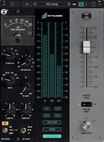
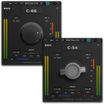
- Input and Output Trims
- ±36 dB gain adjustment
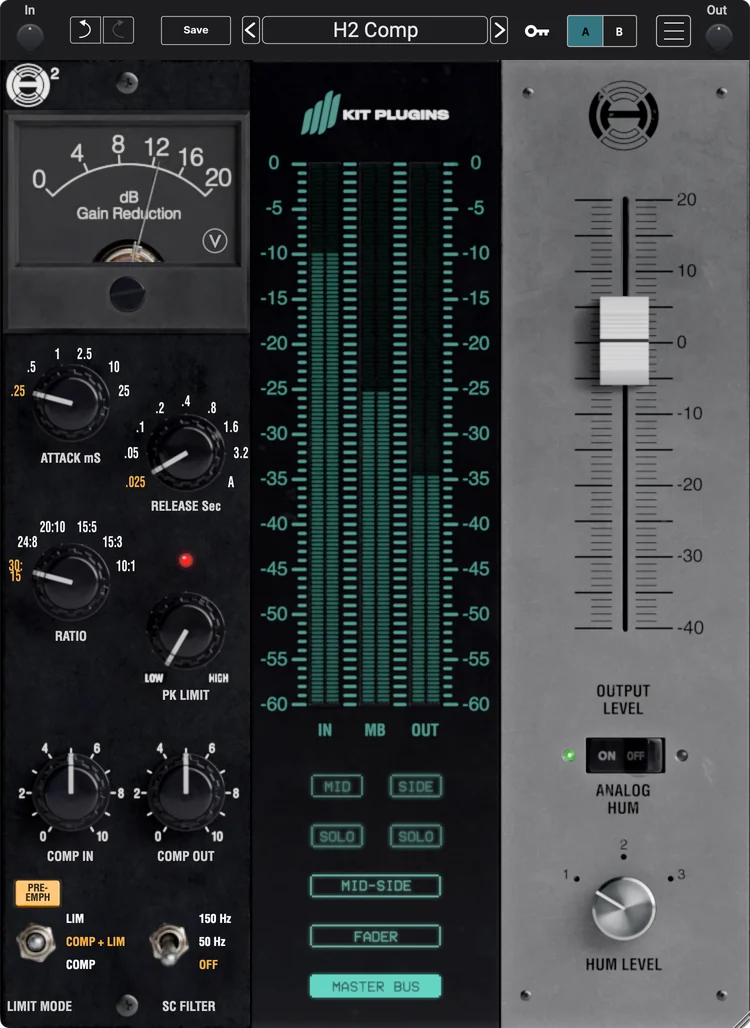
- Gain Reduction Meter
- Displays the amount of gain reduction applied through compression/limiting
- V button (Operational Mode)
- On = Vintage: more compression, lower threshold (historic analog headroom, lower console gain staging). Off = Modern: modern digital gain staging, prevents over compression
- Attack
- .25 / .5 / 1 / 2.5 / 10 / 25 ms
- Release
- .025 / .05 / .1 / .2 / .4 / .8 / 1.6 / 3.2 sec, plus A (Auto)
- Ratio
- 30:15 / 24:8 / 20:10 / 15:5 / 15:3 / 10:1, the ratio at which compression occurs above the threshold
- PK Limit
- Sets the level where the Limiter catches peaks, with LED indication
- Comp In & Out
- Sets the input and make-up gain for the compressor
- Limit Mode
- Lim (Limiter) / Comp + Lim (both) / Comp (Compressor)
- Pre-Emph
- Lim or Comp + Lim only: a subtle LF cut and High-Shelf boost to the Limiter's detection circuit
- SC Filter
- Filters low frequencies from the Compressor's detection circuit: 50 Hz / 150 Hz / Off
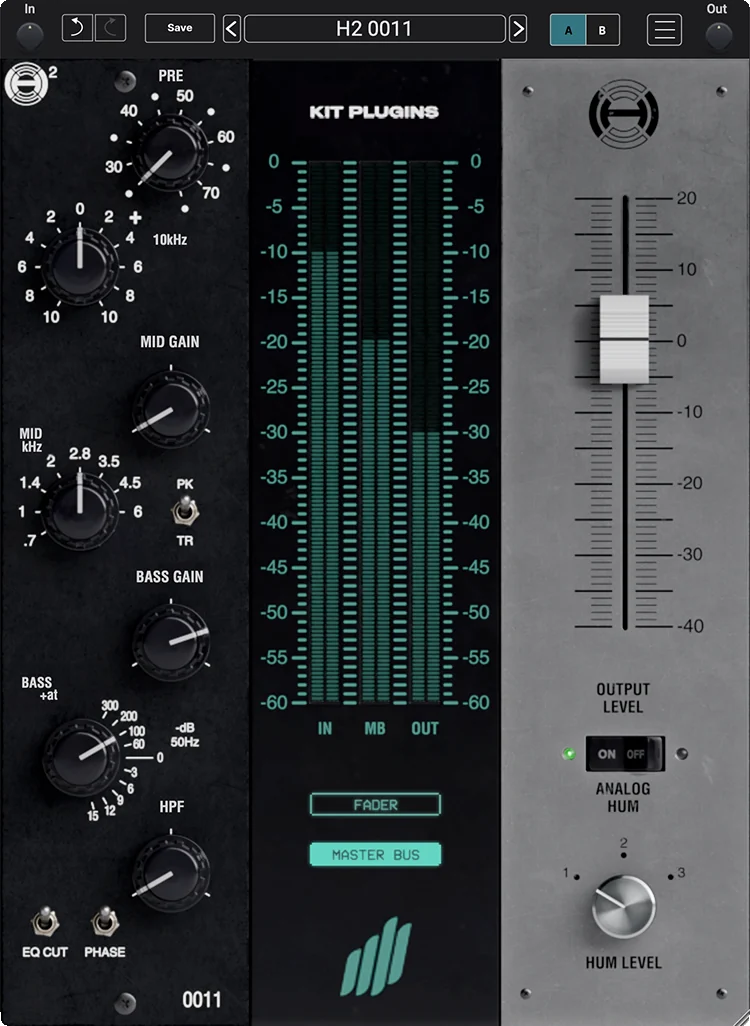
- Metering
- Input, Master Bus, Output
- Fader
- Changes the fader cap colour (Black, Blue, Green, Red, White)
- Mid-Side
- Stereo instances only: changes processing from Stereo to Mid-Side
- Mid/Side and Solo
- Select Mid or Side for controlled processing, and Solo to isolate the channel output
- Master Bus
- Passes the post-fader signal through the modelled output stage of the Neve 8058 console at Blackbird Studios
- Output Fader
- Sets the final output level (pre Output Trim), and drives signal through the Master Bus when engaged
- Analog Hum
- Adds analog-style noise and hum to the output
- Hum Level
- Sets the level of the noise and hum
- Formats
- Mono, Stereo, Mid-Side (Mid-Side selectable in the plugin on stereo instances)